Converter
PNG → JPG
Drop your file below. Output defaults to JPG.
Drag & drop your PNG file
or browse to upload
.png · up to 50 MB
file
0 KB
Converting…
Processing securely — nothing is kept after this.
Ready to download
Converted
Something went wrong
Conversion failed. Please try again.
Files are deleted immediately after conversion. Privacy
About this conversion
PNG to JPG for teams
PNG is excellent for screenshots and sharp UI captures, but it is often larger than necessary for photographic content in email or tickets. JPG usually shrinks those payloads without a meaningful visual hit for day-to-day work.
This converter is for controlled, ephemeral PNG→JPG changes: HTTPS, no account store, discard after download. Useful when helpdesk or sales keeps pasting huge PNGs into threads.
Transparency is not supported in JPG — transparent regions are flattened. Keep PNG when you need an alpha channel.
For web delivery, WEBP may be smaller still; use our PNG→WEBP tool when the audience is modern browsers only.
When to use it
Good fits for this conversion
- Shrinking screenshot attachments for email or chat
- Meeting a portal that prefers JPG
- Preparing photos that arrived as PNG for lighter sharing
Limits
What to expect
- Transparency is lost
- Repeated re-encoding increases generation loss — convert from the best source once
Security note
For IT and security-minded teams
Screenshots often contain hostnames, personal data, or internal UI. Convert only what is appropriate to share, and rely on your own redaction process before upload.
Evidence
Before / after sample
Same synthetic screenshot as PNG and as the JPG this converter produces — open both to judge size vs clarity.
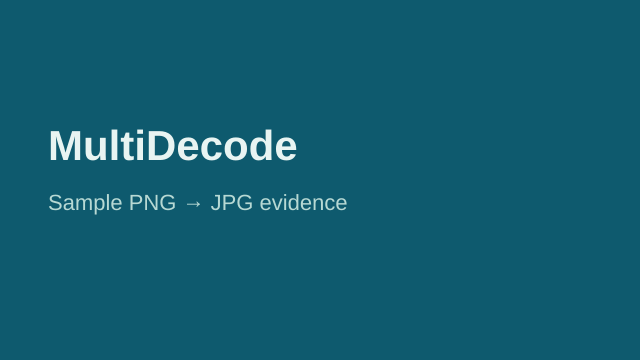
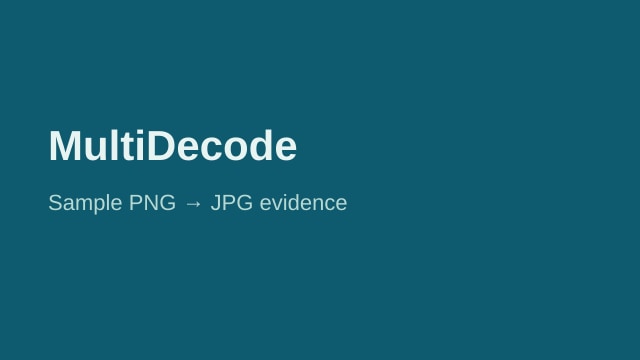
Real screenshots may contain internal data. Redact before upload when required by policy.
How it works
Three steps
Upload
Drop a PNG file (up to 50 MB).
Convert
JPG is selected by default — click convert.
Download
Save your file. We discard the working data afterward.
Troubleshooting
If something looks wrong
FAQ
Common questions
Guides
Related reading
Related
Other conversions
More free tools on MultiDecode.